USB-CAN adapter
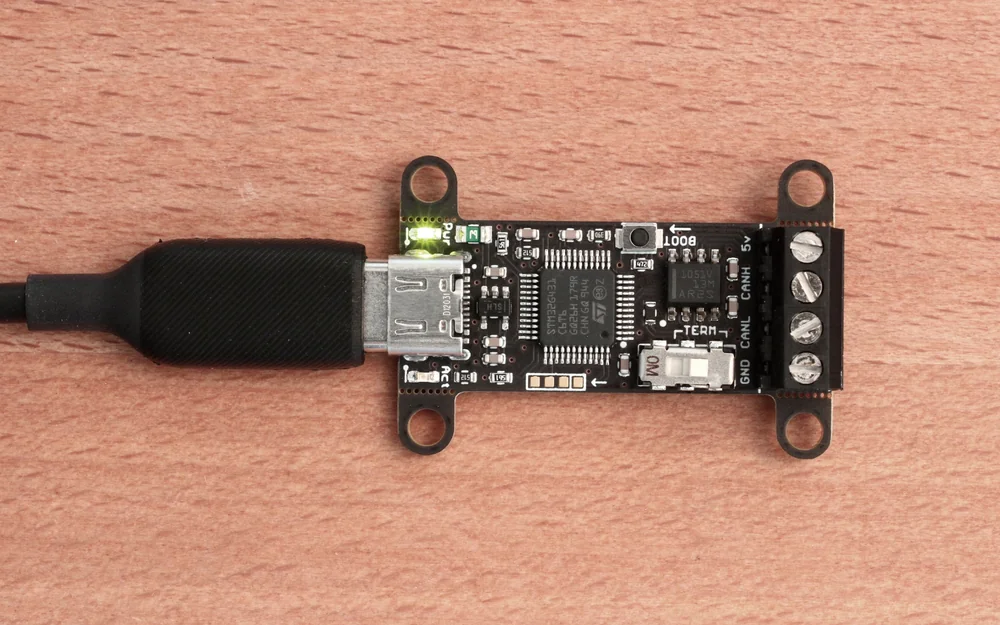
What it does
A USB-CAN adapter (a CANable, a generic SocketCAN dongle, or an OBD-II interface) puts your laptop directly on a CAN bus. CAN is a broadcast bus with no addressing or authentication: any node, including yours, can read every frame and inject its own, so a single tap lets you read sensors and speak diagnostic protocols like UDS.
Use cases
Sniff live traffic and correlate frame IDs with physical actions by wiggling a control and watching which bytes change.
Resend a logged frame to reproduce an action, such as a dashboard indicator or a simple command.
Open a diagnostic session and walk through SecurityAccess seed/key or ReadDataByIdentifier exchanges.
How you use it
Bring the interface up, sniff, then send or replay:
sudo ip link set can0 up type can bitrate 500000
candump can0
cansniffer can0                  # highlight changing bytes
cansend can0 123#DEADBEEF
Wiring
Wrong bitrate reads as errors only. Get the bitrate wrong and the interface sees nothing but error frames; 500k and 250k are the common ones to try first.
Rehearse on vcan first. Bring up a virtual `vcan0` interface to practice a sequence before touching a real bus.